

Take you business next level

Take you business next level
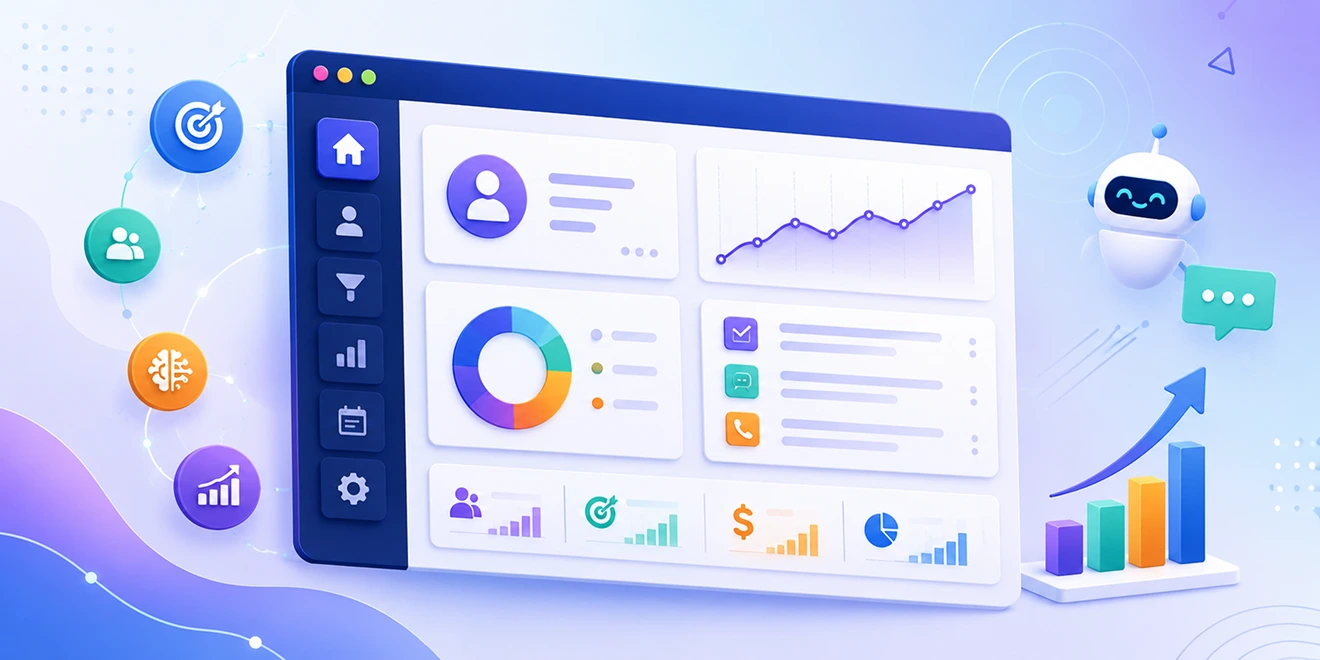
AI-powered sales helps businesses manage leads, automate routine activities, understand customer needs, and improve sales decisions. Successful results depend on accurate data, clear sales processes, responsible AI use, and regular human review.
These best practices can help sales teams use AI effectively while keeping customer interactions relevant, accurate, and personal.
Begin by identifying the specific sales challenges you want AI to address. Clear goals help teams select the right AI capabilities and measure their impact.
Goals may include:
Connect each goal to a measurable sales metric so you can evaluate whether AI is delivering meaningful results.
AI recommendations depend on the quality of the customer and sales data available. Contact management software helps teams organize customer information and reduce duplicate, outdated, incomplete, or incorrectly categorized records.
Sales teams should regularly:
Assign responsibility for data quality and make CRM updates a consistent part of the sales process.
AI works more effectively when every representative follows clearly defined sales stages and qualification rules. Use pipeline Kanban software to create a structured process covering lead capture, assignment, qualification, follow-up, proposal, negotiation, and closure.
Each pipeline stage should have clear entry and exit conditions. This allows AI to analyze opportunities consistently, identify delays, recommend actions, and produce more reliable forecasts.
AI can summarize conversations, create email drafts, score leads, recommend actions, and predict outcomes. However, sales representatives should review these outputs before relying on them.
Human review helps confirm that recommendations are:
AI should support sales representatives, while people remain responsible for customer relationships, negotiations, and final decisions.
Use AI insights and personalization software to understand each prospect's interests, challenges, previous interactions, and buying stage. Personalization should extend beyond simply using the customer's name.
Sales teams can personalize:
Personalization should make communication more helpful without using customer information in a way that feels intrusive.
Use automation for predictable and repetitive activities such as lead assignment, task creation, appointment reminders, record updates, follow-up scheduling, and post-call actions.
Avoid automating sensitive conversations, complex negotiations, complaints, or important relationship decisions without human involvement. Regularly review workflows to ensure they remain accurate and do not create duplicate tasks or unnecessary messages.
Do not rely on a single activity to determine whether a lead is ready for sales. AI-powered lead scoring should consider profile information, website behaviour, email engagement, conversations, appointment activity, and buying signals.
Review scoring rules regularly and compare high-scoring leads with actual sales outcomes. This helps improve qualification accuracy and prevents teams from overlooking valuable opportunities.
Use AI insights to identify inactive deals, delayed opportunities, missing activities, and changes in customer engagement. Representatives should review their pipelines regularly and update deal stages, values, closing dates, and next actions.
Managers can use this information to identify bottlenecks, coach representatives, improve resource planning, and maintain realistic sales forecasts.
AI-powered sales systems process sensitive customer and business information. Use role-based access controls, secure authentication, data encryption, consent management, and regular backups to protect this data.
Teams should understand which information AI processes, where it is stored, and how long it is retained. Only collect and use customer information required for legitimate sales activities.
Use CRM reporting to track whether AI-supported activities improve sales outcomes. Useful metrics include lead response time, qualified leads, conversion rates, sales cycle length, pipeline value, forecast accuracy, productivity, and revenue.
Compare results before and after introducing AI. Review poor recommendations, incorrect lead scores, ineffective workflows, and forecasting gaps to identify areas for improvement. AI-powered sales should be continuously tested and refined as customer behaviour and business needs change.
Integrate the tools you use every day and keep your sales data connected in one platform.






Discover how GoFox helps your sales team manage leads, automate follow-ups, and close deals with confidence, all from one intelligent CRM.
Get Started FreeReal feedback from teams who switched to a simpler way of managing customers and projects.
"This CRM completely transformed how our sales team manages customers. Within three months, we increased productivity by 35% and improved team communication significantly."
"Our team finally stopped juggling countless spreadsheets and switched to a cleaner, more efficient workflow solution."
"We moved away from messy manual processes and embraced a smoother workflow that keeps our whole team aligned."
"In just one day, our whole team was seamlessly collaborating and managing projects through a single dashboard."
CRM CRD is a modern CRM platform designed to simplify customer management. It streamlines daily tasks, organizes interactions, automates follow-ups, and helps teams collaborate more efficiently.
"Within just 60 seconds, our complete CRM system was set up and ready for immediate use."
"Our customer response time has improved by 40%, helping us provide faster and more efficient support."