Why Customer Service Software Matters for Growing Businesses

Customer expectations have changed. People want fast, consistent answers no matter which channel they use, email, chat, or social media. Managing support manually with spreadsheets and shared inboxes makes that hard. Requests get missed. Response times slip as ticket volume grows. Agents spend valuable time searching for information, leaving less time to solve customer problems.

Customer service software brings conversations, tickets, and customer data into one place. It helps teams deliver reliable customer support at scale, without the manual work that slows everything down.

What Is Customer Service Software?

Customer Service Software is a platform that helps businesses manage, track, and resolve customer support requests in one place. It brings every conversation into one place, giving support teams an organized view of each customer interaction.

Modern platforms use AI and automation to handle repetitive work, sorting tickets, answering common questions, freeing agents to focus on issues that genuinely need a human touch.

How Does Customer Service Software Work?

How Does Customer Service Software Work?
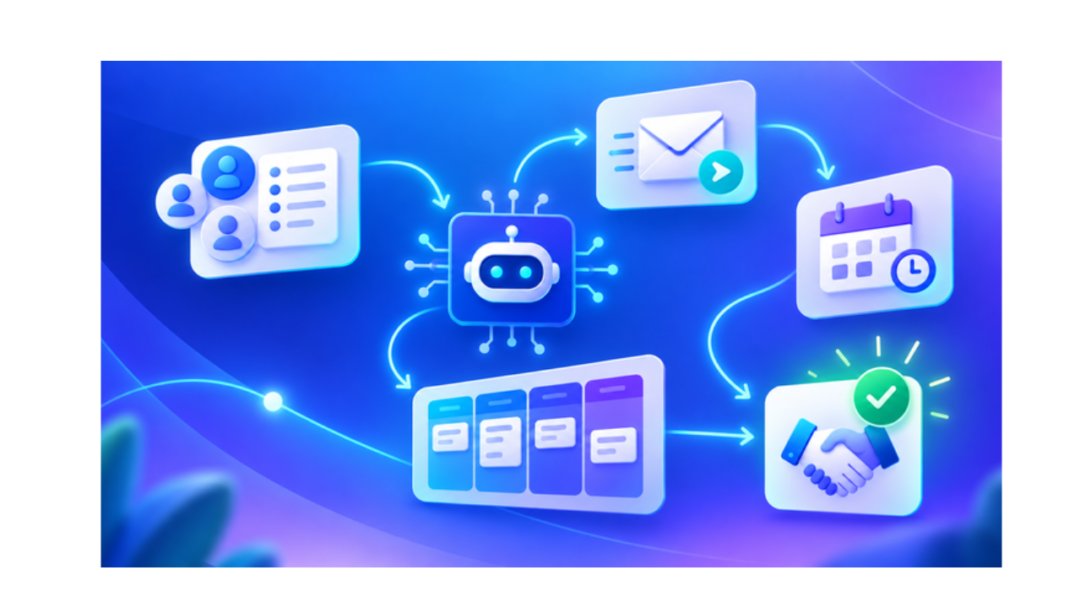
  • Capture requests from every channel automatically
  • Organize and prioritize them into tickets
  • Route each ticket to the right team based on rules you set
  • Automate repetitive tasks like status updates and follow-ups
  • Track every conversation and resolution in full detail
  • Analyze performance data to spot bottlenecks and improve over time

This end-to-end flow removes dependence on an agent remembering to follow up manually or checking multiple tools for updates.

Key Benefits of Customer Service Software

  • Faster response times
  • Higher agent productivity
  • Better Customer Satisfaction
  • Less repetitive manual work
  • Organized conversations in one shared inbox.
  • Consistent support, no matter who handles the request
  • Clear visibility into service performance for managers

Essential Customer Service Software Features

Essential Customer Service Software Features

The right platform combines several tools working together, not one single feature doing all the work:

  • Helpdesk ticketing – Organizes each customer request as a ticket and manages its priority, assignment, and progress from one dashboard.
  • AI chatbot – Answers common customer questions instantly, any time of day, resolving simple queries automatically and cutting down repetitive work for your human agents.
  • Free live chat – Offers real-time messaging for website visitors and customers seeking quick support.
  • Shared inbox – Brings customer conversations from email, chat, and social channels into one unified view. Teams manage and respond without switching between tools.
  • Support workflows – Gives your team a structured process for assigning, escalating, tracking, and resolving customer issues consistently, no matter which agent picks up the ticket.
  • Workflow automation – Automatically handles routine actions like ticket routing, notifications, follow-ups, and assignments, freeing agents to focus on complex customer issues.
  • Ticket labels – Categorizes support requests by type, urgency, or topic, making it faster for agents to organize, prioritize, and locate tickets.
  • HelpDesk Groups – Organizes support agents into teams based on skill or department and routes each request to the right group.
  • SLA Management – Sets clear response and resolution targets for support requests and monitors team performance.
  • Customer self-service portal – Allows customers to search for answers, track the live status of their requests, and resolve common issues independently, without waiting on an agent.
  • Help Center – Provides a searchable library of support articles, guides, and resources for quick self-service assistance.
  • Service Reports – Tracks ticket volumes, response times, resolution times, and agent activity for clear performance insights.

How AI Is Transforming Customer Support

AI is changing how support teams work, not replacing them. It gives customers instant, AI-powered assistance for common questions, and helps teams handle tickets more intelligently by predicting priority and surfacing relevant customer history the moment a ticket opens.

Support workflows now run largely on automation, faster responses, fewer manual steps. The result is a lighter workload for support teams, without losing the human touch where it matters most.

How Customer Service Software Improves Customer Satisfaction

Customers judge support quality by how quickly and smoothly their problem gets solved. Faster first responses, shorter resolution times, and consistent communication across every interaction shape that experience directly.

Personalized interactions, made possible by full access to customer history, add a human touch even at scale. Convenient self-service for simple issues and better support availability across channels round out the experience.

Deliver Customer Support Across Multiple Channels

Deliver Customer Support Across Multiple Channels

Customers don’t stick to one channel, and support software shouldn’t either:

  • Live chat – handles real-time questions from website visitors
  • Shared inbox – keeps email and written conversations organized
  • AI chatbot – answers common questions instantly, any hour
  • WhatsApp bot – meets customers on a widely used messaging app
  • Customer self-service portal – lets people solve issues without contacting an agent

Meeting customers wherever they are, without losing context between channels, makes multichannel support work.

Why Connect Customer Service Software With CRM?

Support doesn’t work best in isolation. Linking your helpdesk with a CRM connects service data to the full customer journey, not just the current ticket. Teams access unified customer information and a complete interaction history in one place.

  • Unified customer information in one place.
  • Complete interaction history across every touchpoint
  • Better collaboration across sales, marketing, and support
  • More personalized customer support
  • Centralized customer communication
  • Sharper insight into how service impacts the customer relationship

How to Choose the Right Customer Service Software

Check each platform against this short list of essentials:

  • Easy-to-use interface your team can adopt quickly
  • Solid helpdesk ticketing
  • Strong AI capabilities
  • Workflow automation
  • Live chat and messaging
  • Shared inbox
  • SLA management
  • Self-service tools
  • Service reporting
  • CRM integration

Customer Service Software Best Practices

Good software is half the equation — the way a team uses it matters just as much. A few habits keep support consistently strong:

  • Build clear support processes
  • Define response and resolution targets
  • Automate repetitive support activities
  • Keep tickets organized with labels and groups
  • Maintain an updated help center
  • Offer self-service options
  • Track customer satisfaction consistently
  • Review service reports regularly
  • Use AI alongside human agents, not in place of them

How GoFox Helps Improve Customer Service

GoFox brings the pieces above into one connected platform built for growing support teams. It centralizes customer conversations, organizes support requests, and automates repetitive service activities for greater agent focus.

  • Provides AI-powered assistance for common questions
  • Connects live chat with the rest of customer communication
  • Enables customer self-service to reduce simple requests
  • Tracks support performance through built-in reporting
  • Keeps service teams linked to the same customer data used by sales and marketing

This connected approach gives agents the full picture, from a customer’s first inquiry to their most recent purchase, without switching between separate systems.

Why Customer Service Software Matters for Growing Businesses

 Conclusion

Customer service software helps businesses manage conversations, support tickets, AI-powered assistance, automation, live chat, self-service, and reporting from one connected platform. Bringing these tools together lets support teams respond faster, work more efficiently, and provide a consistent experience across every customer interaction.

With GoFox, businesses can simplify customer support, automate repetitive tasks, and keep customer conversations organized in one AI-powered CRM.

Ready to improve your customer support? Get started with GoFox today.